Start with the big stuff
Browse by file size, album, month or saved location. Pick a useful batch instead of starting at the beginning.
Your camera roll. A little lighter.
The big laughs. The little moments.
Keep the good stuff. Sweep the rest.
Make room for your next memory with a playful swipe through photos, videos and document photos.
Made for iPhone, iPad and Android.
A little swipe goes a long way
Real-life mess. Simple little moves.
Illustrative app previews. Layouts vary by device.
Beyond the usual photo cleanup
Receipt photos. Old tickets. Bills and screenshots. Find document-like photos in six categories, then swipe through a focused batch.
Recognition runs on your device and can make mistakes. Review every suggestion. Documents means photos of documents—not DOCX, Excel or PDF files.
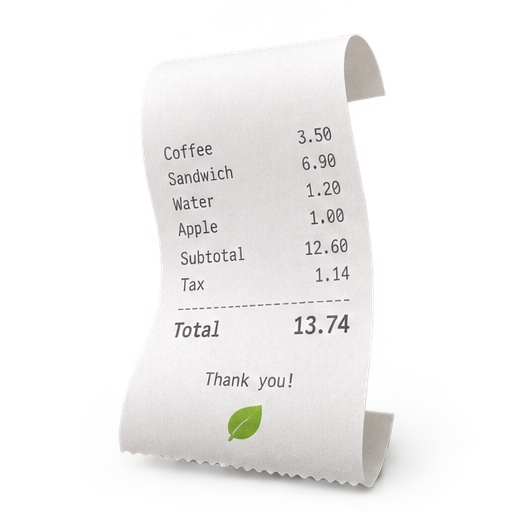 Receipts
 Tickets
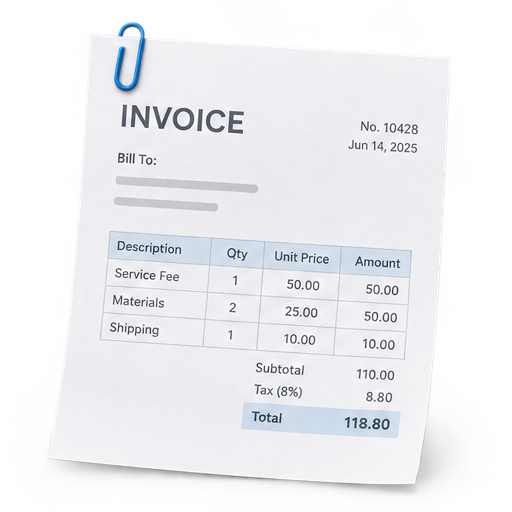 Bills
Bills Letters
 Screenshots
 Others
Choose where to begin
Browse by file size, album, month or saved location. Pick a useful batch instead of starting at the beginning.
Find exact duplicates and review possible quality issues. Suggestions help you choose; they never delete automatically.

Kept becomes a browsable album, with filters, sorting and pinch zoom. Reset selected choices or all of them when you want another look.
You have the final say
Swipe right to keep. Swipe left to add to the app’s Trash. Undo your last decision if you change your mind.
Select items in Trash to undo or delete. Sending something to Trash does not delete it from your photo library.
Confirm deletion with your device. Recovery and storage release then depend on your photo service’s Recently Deleted or Trash rules.
Made for your real library
Document recognition, duplicate checks and quality analysis run on device. Your account stores sign-in details, review progress, deletion usage and access records—not your photo or video files.
One app account works on iPhone, iPad and Android. Photo identities differ across platforms, so this does not copy your library or automatically match iCloud photos to Android photos.
Read how your data is handled →Get Swipe ’n’ Sweep
Less camera-roll clutter. More room for the moments that matter.
Turn your camera roll into a collection you love. Swipe, keep and clear—one photo at a time.
Open in Google Play →Need access? Get in touch.
Find your keepers, clear the extras and rediscover your favourite memories. At home or on the go.
Request iOS access →Start with the free plan. Unlimited swiping and keeping, with up to 30 photo and 5 video deletions per account day.